Template Design
Create and maintain reusable thermal label layouts.
Professional label design with an operator-focused print workflow.
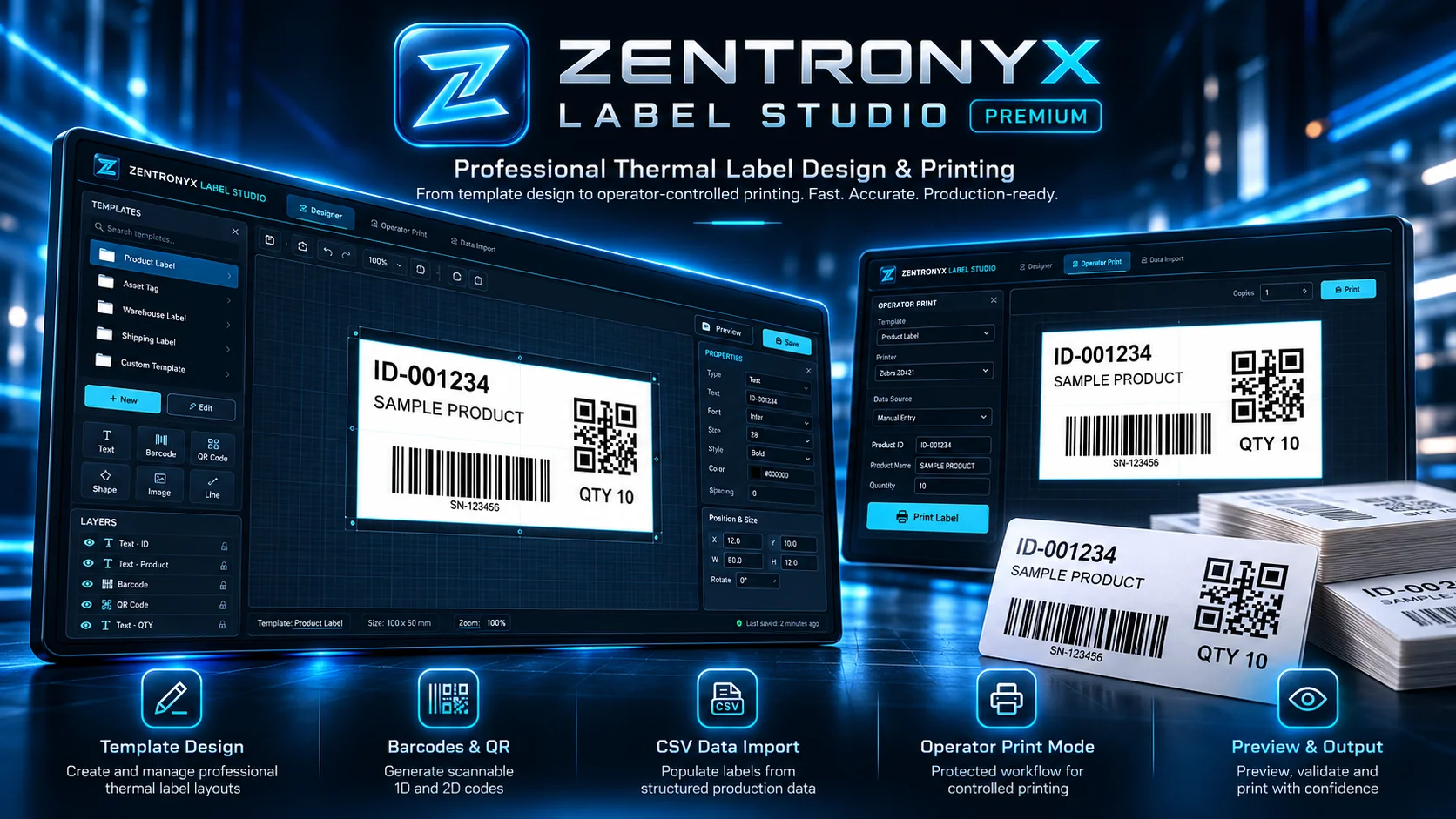
Create and maintain reusable thermal label layouts.
Work with text, 1D barcodes and QR-code elements.
Populate variables using CSV and manual inputs.
Separate template design from controlled printing.
Review the generated label before sending it to print.
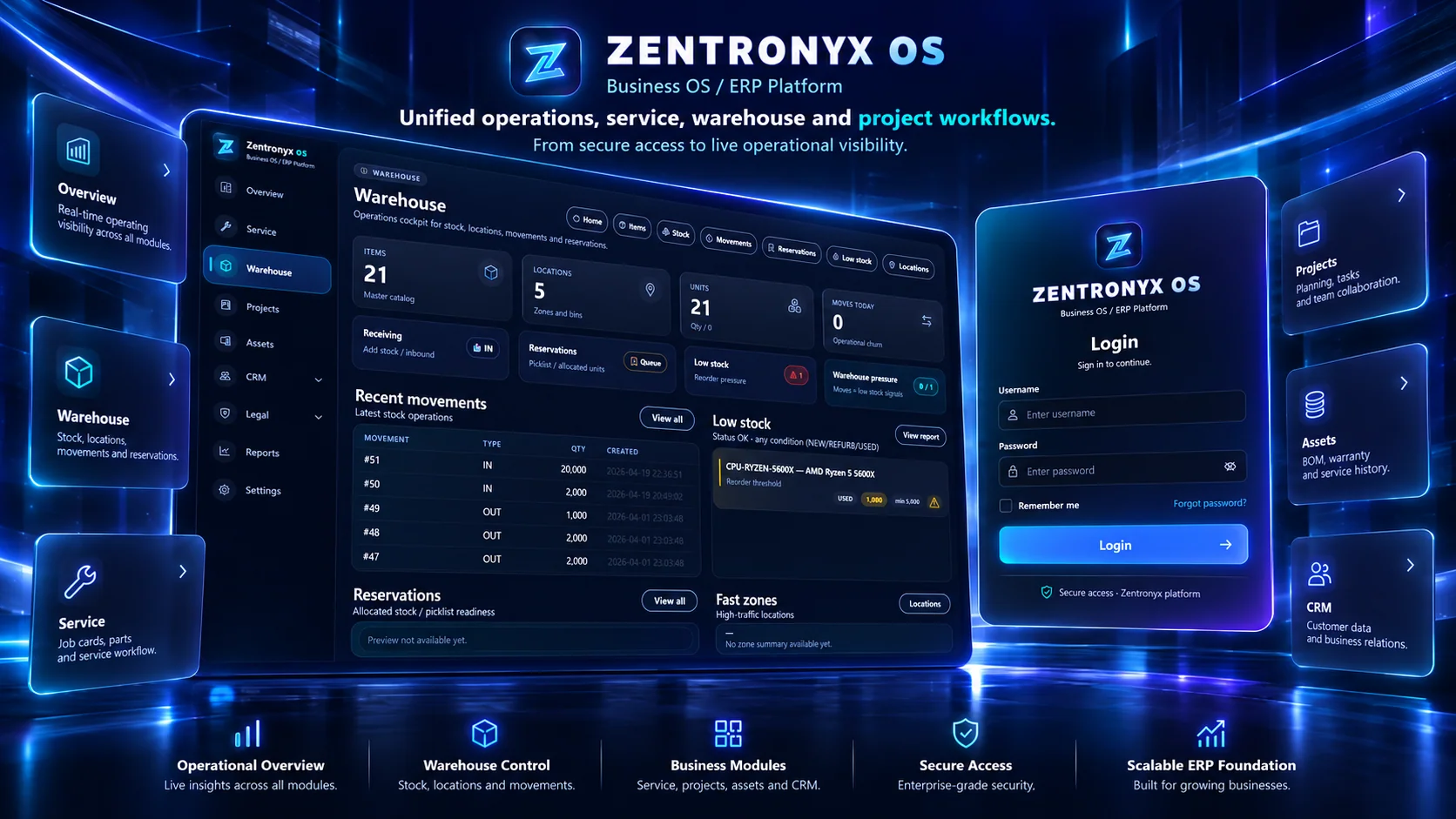
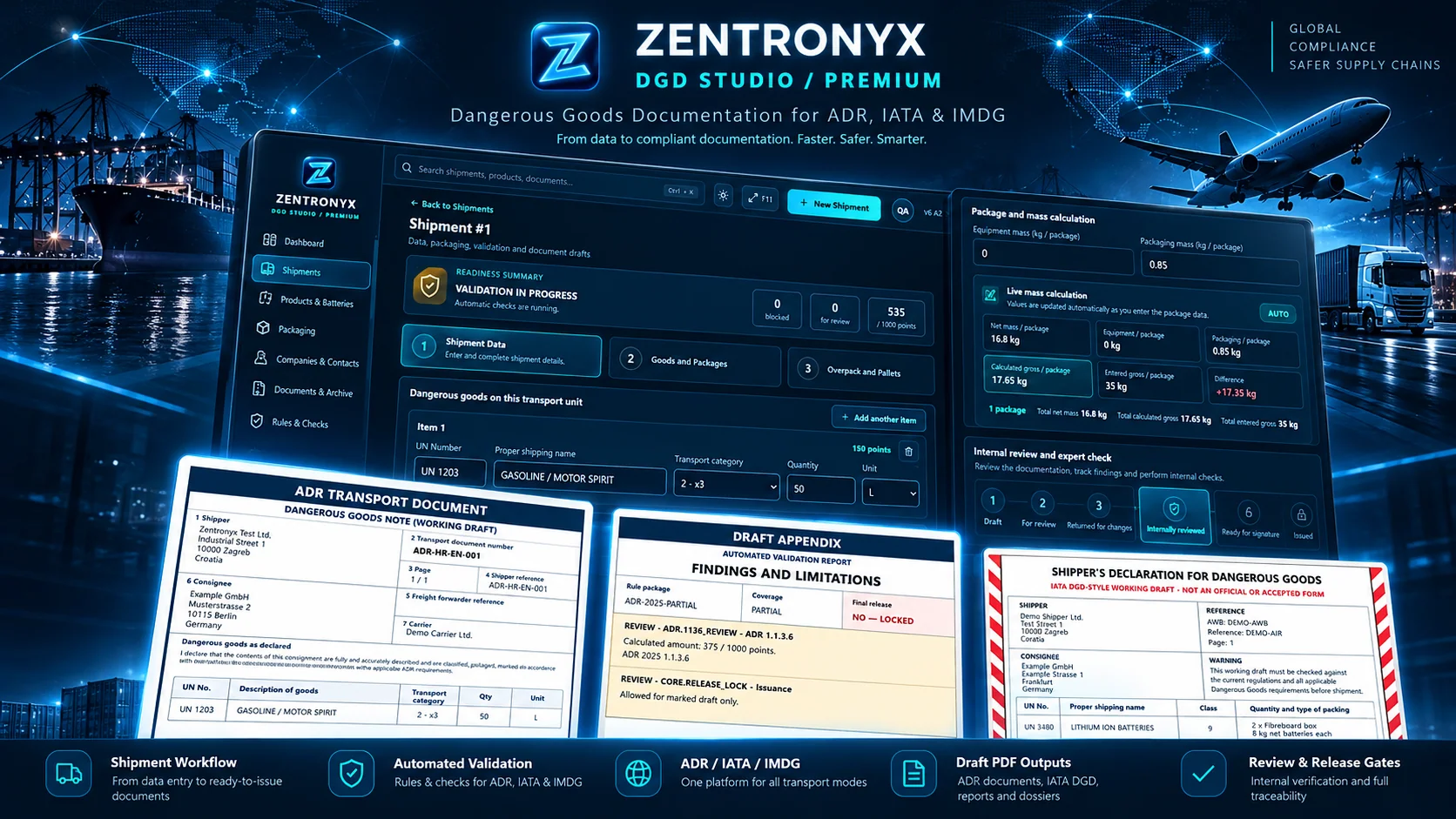
Zentronyx Label Studio helps operational teams create, manage and print professional thermal labels. A dedicated designer and operator view make it easier to standardize layouts while giving operators a direct and practical print workflow.
From label layout to print-ready output.
Place and arrange text, image and barcode elements visually.
Build labels with 1D and 2D scannable elements.
Populate labels from data records and operator-entered values.
Use a dedicated print workspace separate from the designer.
Review the final label content before printing.
Product visuals include marketing compositions based on Label Studio screens. Printer compatibility and workflow options depend on the installed version.
Discover how a consistent label workflow can help your production and warehouse teams.